Pick up where you left off.
Local profiles keep viewing history, watched flags and resume positions separate. Continue Watching gives that stored state a useful place in the interface.
CASE STUDY / WARDOFLIXDESKTOP + WEB
WardoFlix
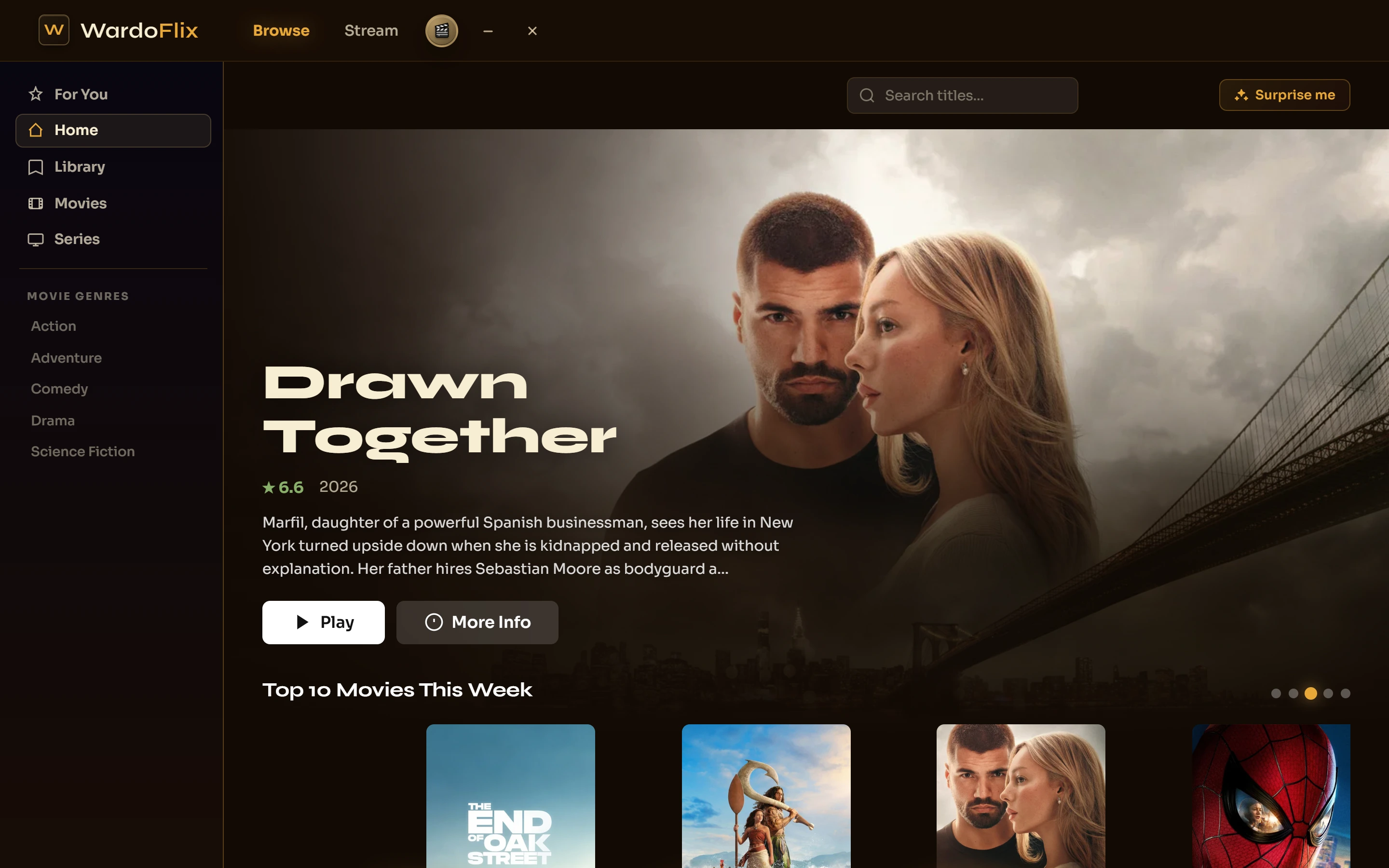
A personal streaming client with a cinematic interface and a media engine underneath. Browsing, playback, subtitles and resume history belong in one experience.
THE STARTING POINT
I wanted a media app that felt good to use: pick a title, choose how to watch it and return to the same place later. The visual side drew me in. The playback problems made it a much deeper project.
A source can have the wrong video codec, several audio tracks or subtitles that drift. WardoFlix brought the catalog interface and the Node streaming service into the same build, so I could work on the whole path to the player.
HOW IT WORKS
The media pipeline decides how to deliver a source the browser can actually play.
The service checks the source’s container, video codec and available audio tracks.
NODE / EXPRESS · FFPROBECompatible media can play directly. Other sources are repackaged or transcoded as needed.
SOURCE HANDLING · FFMPEGThe player presents video, track controls, subtitles and the viewer’s saved position.
VIDEO.JS · REACTINSIDE THE BUILD
Local profiles keep viewing history, watched flags and resume positions separate. Continue Watching gives that stored state a useful place in the interface.
Audio-track selection, subtitle language and timing adjustments sit alongside the player. Codec handling and stereo downmixing help bridge the gap between a source file and Chromium’s playback support.
React powers the Windows Electron app and the installable web interface. Desktop packaging uses an NSIS installer, with update handling in the application. The project also includes DLNA and Chromecast support.
THE BROWSING EXPERIENCE
The hard part happens
after you press play.
WHAT THIS PROJECT TAUGHT ME
A polished browse screen is not enough. Seeking, subtitle timing, unsupported codecs and interrupted streams all shape whether the app feels dependable.
WardoFlix became a place to work through those details, from the React interface to the server and the Windows installer. It is a personal project, with its browsing interface shown here using catalog data and a demonstration profile.
NEXT PROJECT / ATLAS STORY STUDIO